.svg)
.svg)

AI-native digital UX intelligence for revenue focused teams.
FullSession connects what your users do - where they get stuck, and what they tell you - across web and mobile.
100+ teams trust fullsession AI based analysis because we help them convert click to leads





.svg)



Stop guessing which fix matters. Lift AI ranks it, predicts the lift, and proves the result.
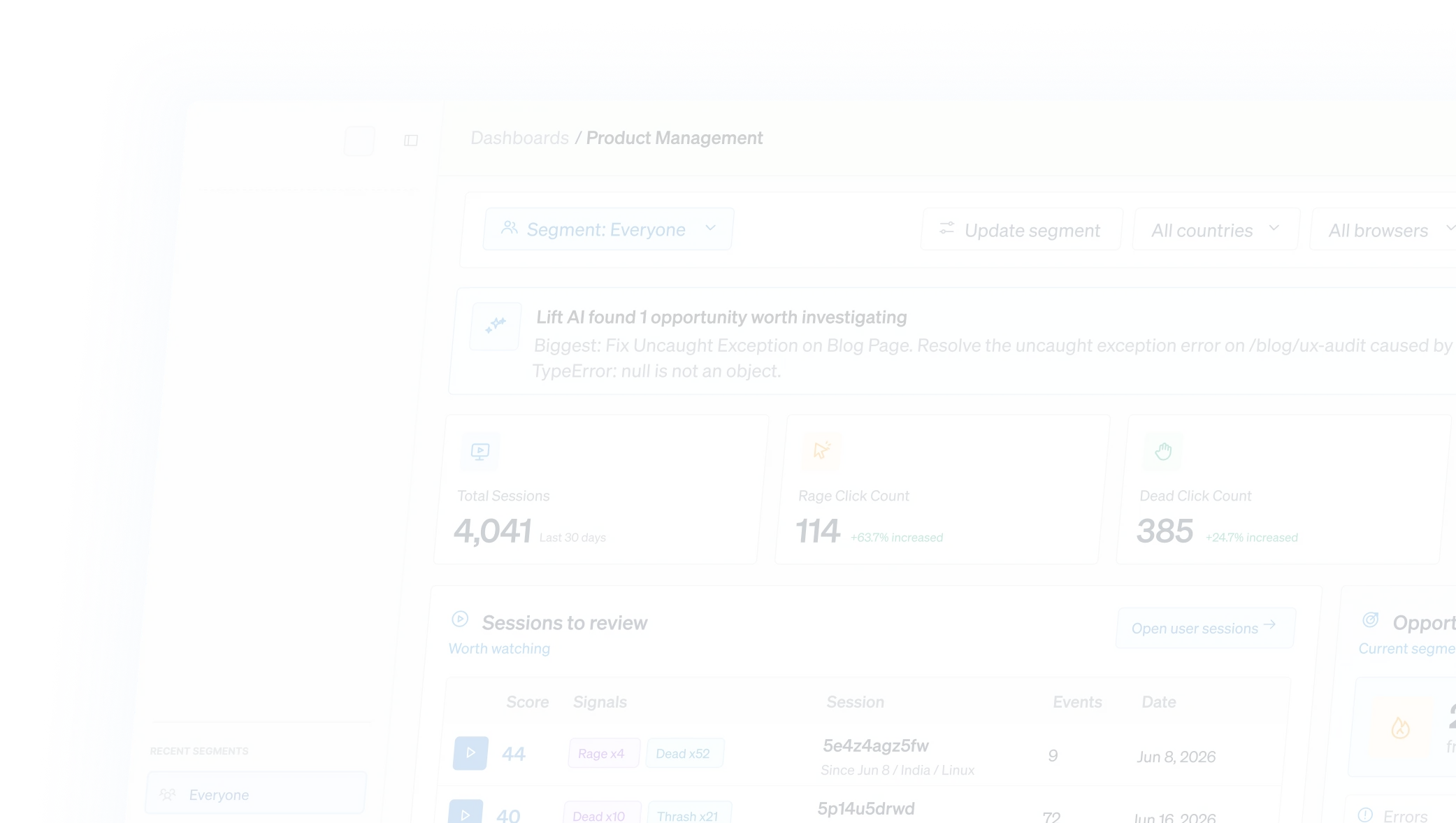
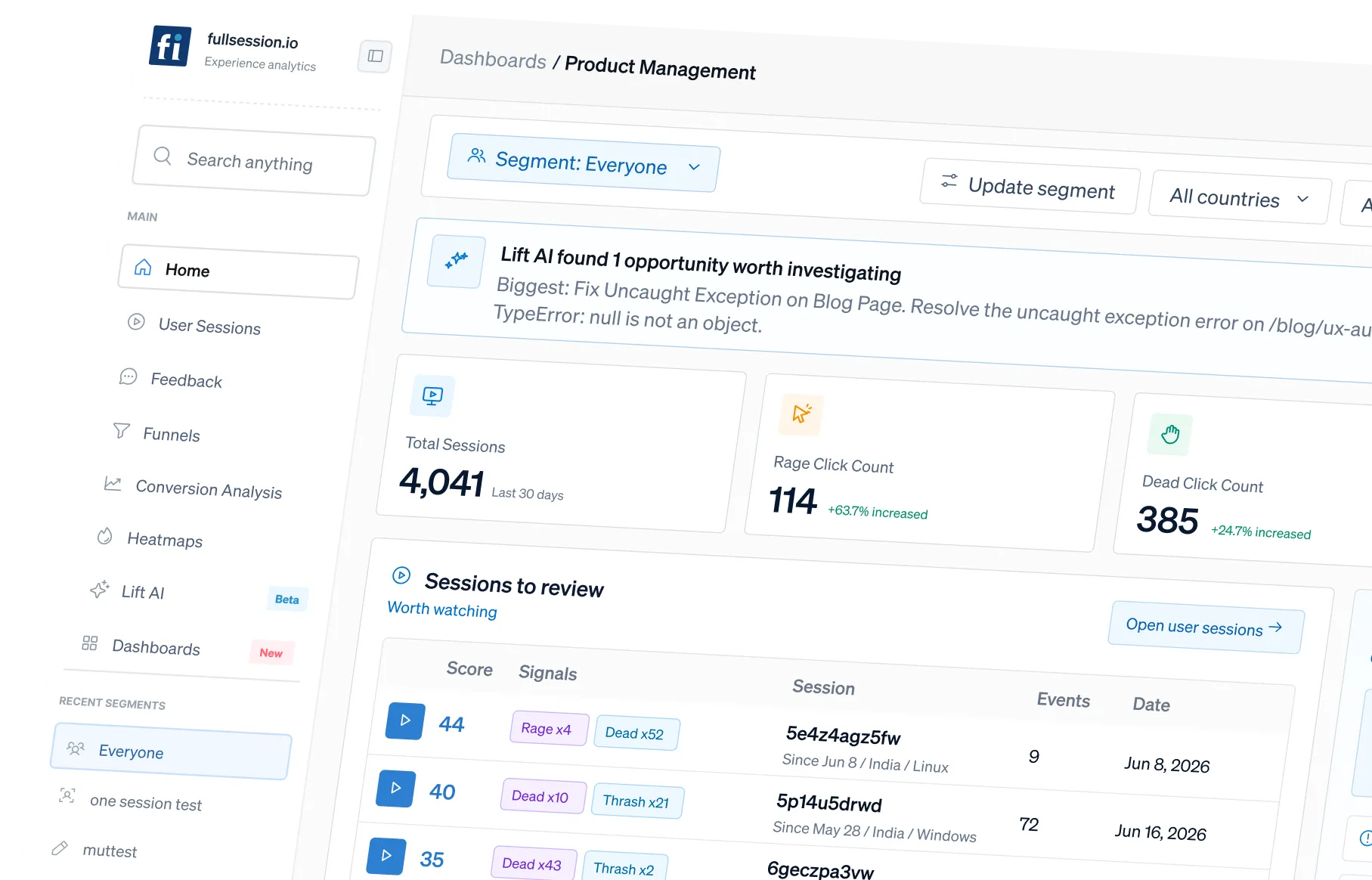
Lift AI reads behavior across replay, funnels, heatmaps, errors and feedback, then ranks every friction point by predicted business impact by how many sessions it affects, how many fail to convert, how severe it is, and where it sits in the funnel

Start with your goal
Four solutions on one platform.
Start with Core CX / UX to find and fix friction. Explore customer assistance, adoption and employee experience as your needs grow.
Everything your team needs to find friction and fix what matters.
Watch the real journey behind any drop off, with sensitive inputs masked by default
Find the step that leaks orders, signups, or completions, then jump to the sessions behind it.
See where attention, intent and engagement break down across devices
Connect all errors to the journeys and revenue they actually affect.
Capture the user's reason for friction linked to their behavior.
Give every team its own view, with role and team dashboards templates useful on day one.
One workflow for every team accountable for the outcome.
Bring Product, UX, Growth, Engineering, and Support into one shared workflow—from identifying friction to prioritizing fixes and measuring impact. Every team works from the same evidence and stays aligned on the outcome.

.avif)

Prioritize conversion fixes by predicted impact instead of running experiments on guesses.

Identify high-impact conversion opportunities and optimize key journeys based on predicted revenue impact.
.avif)
.avif)

Reproduce revenue-blocking issues with full technical context and triage by business impact.
.avif)
.avif)
One platform, three jobs. See it, measure it, prove it
Replay, heatmaps, journeys, and feedback show exactly what people experience and where they got stuck.
Lift AI ranks the fixes by predicted impact and validates that the metric moved. So UX and engineering work connects to results.
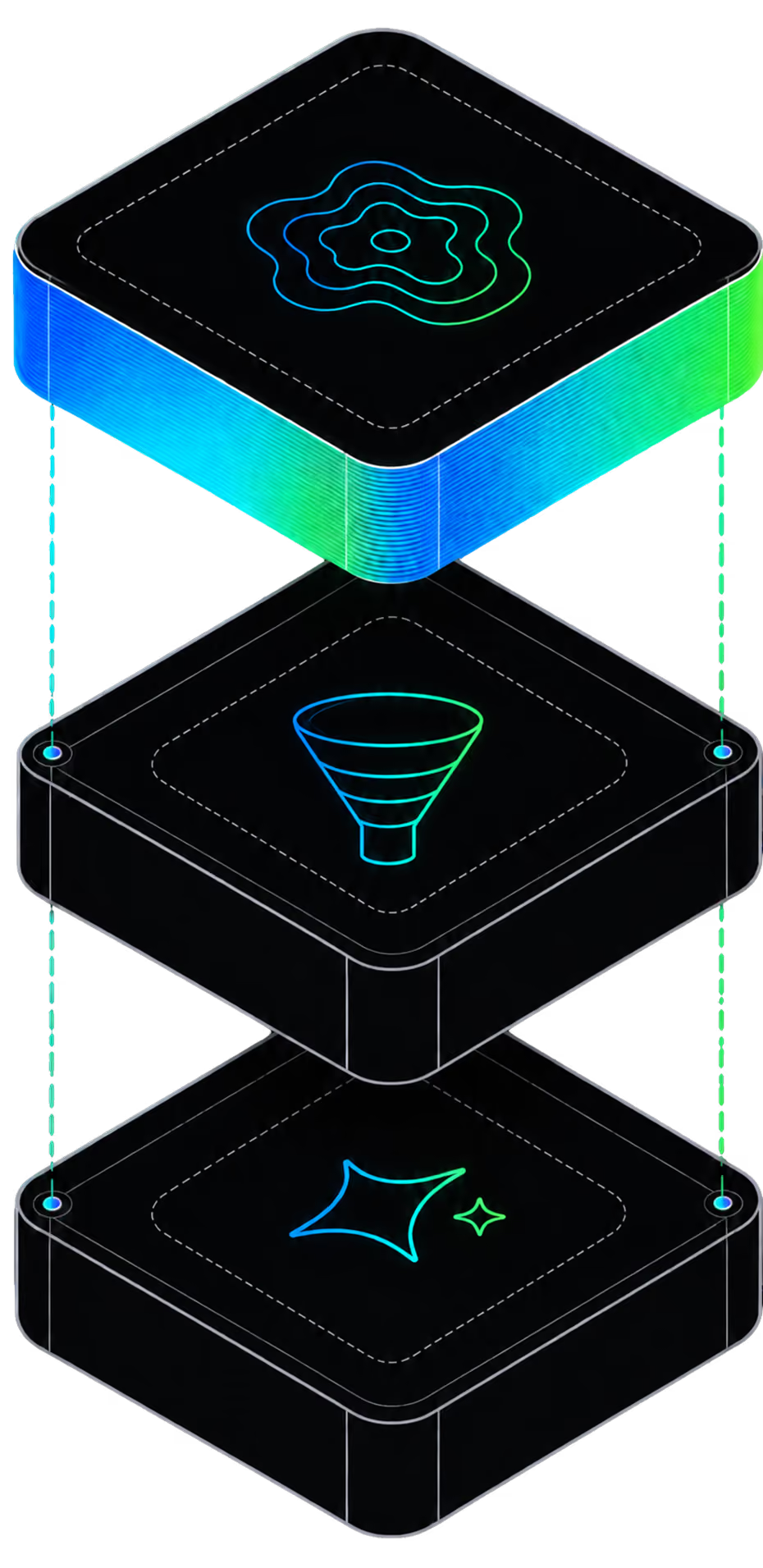
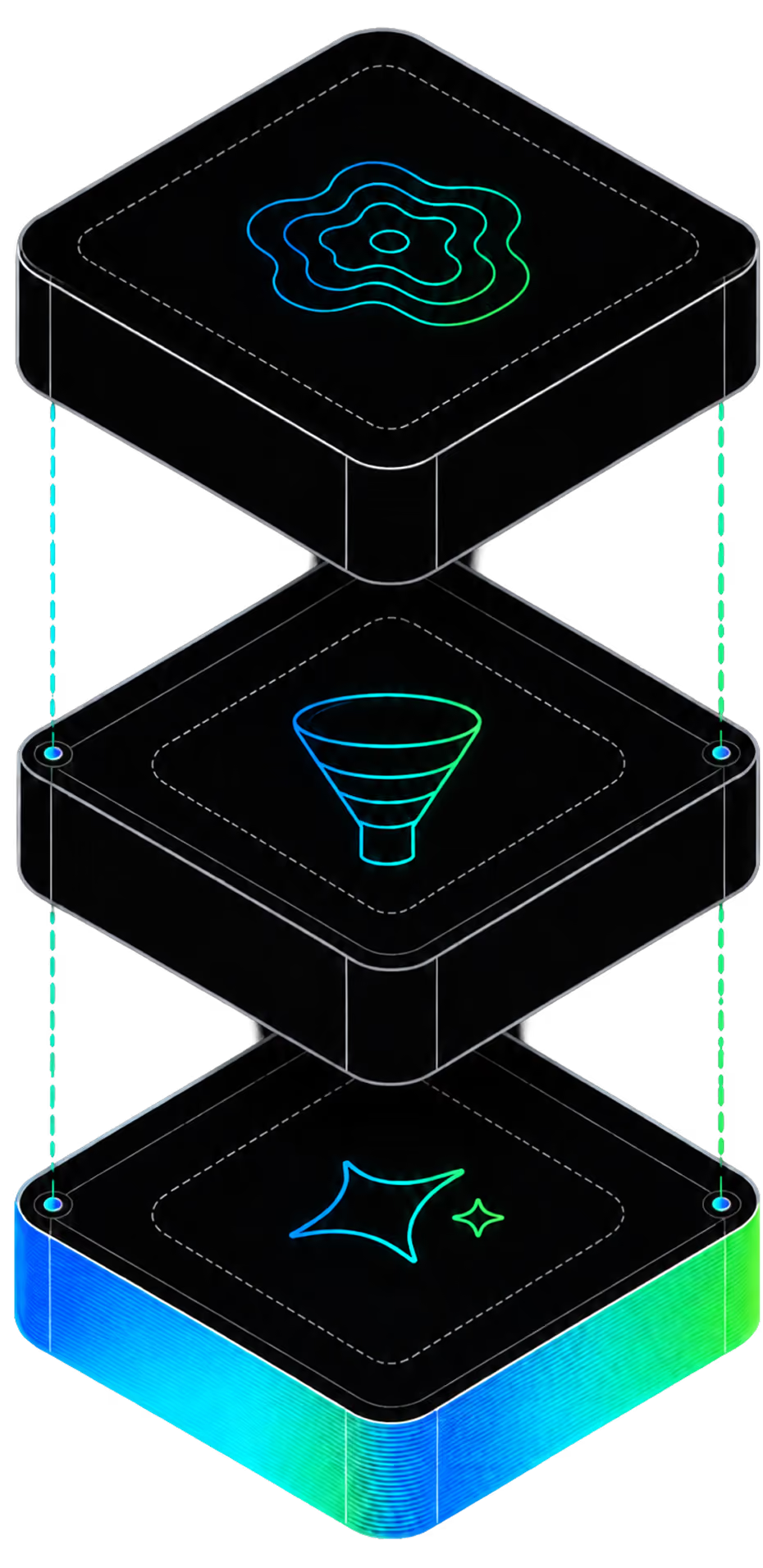
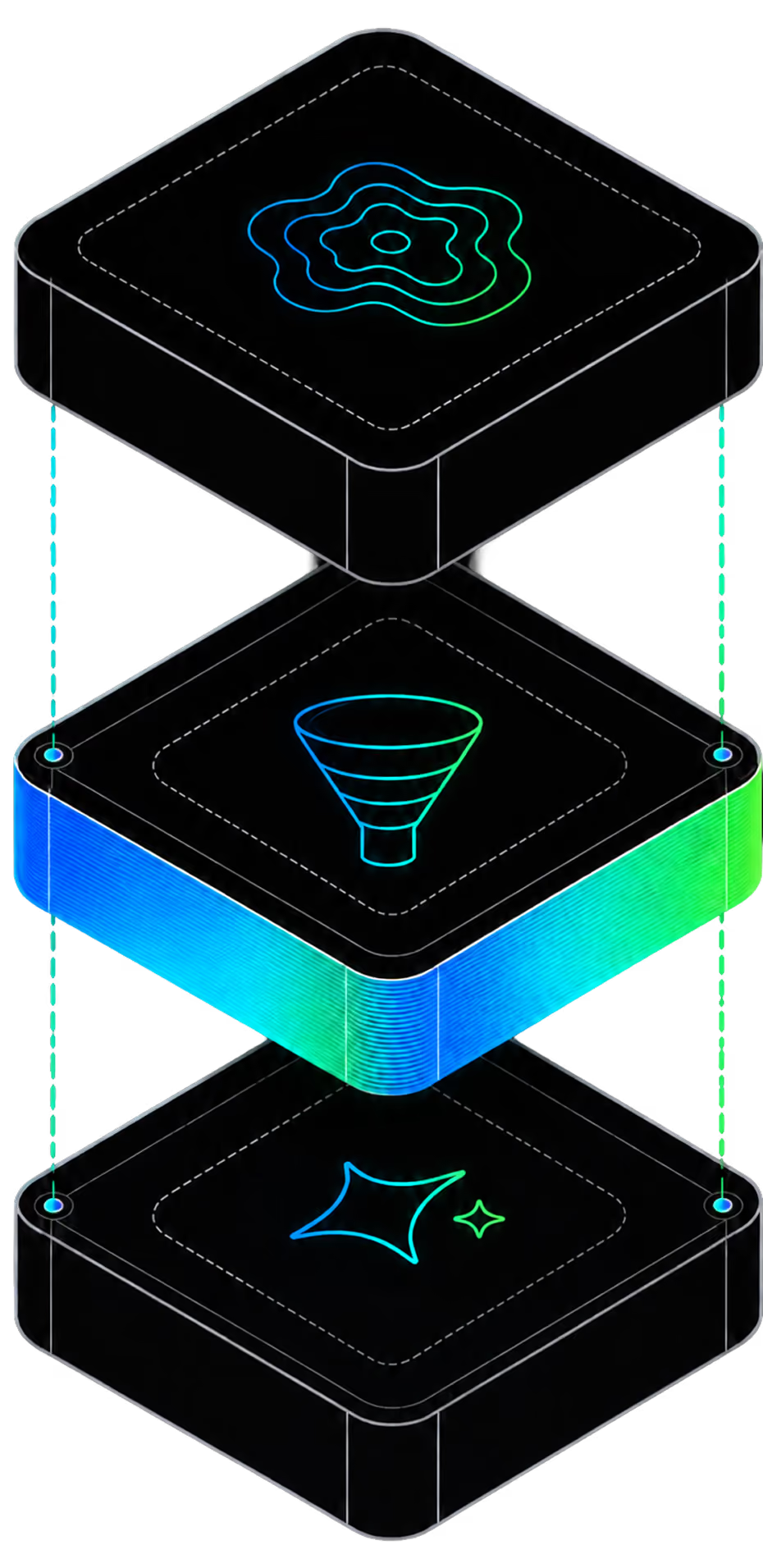
Funnels, conversion errors and reporting. Quantify which steps leak visits, carts and outcomes, and what it costs.
Replay, heatmaps, journeys, and feedback show exactly what people experience and where they got stuck.
Lift AI ranks the fixes by predicted impact and validates that the metric moved. So UX and engineering work connects to results.
Funnels, convergence errors and reporting. Quantify which steps leak visits, cards and outcomes, and what it costs.
Two roles, one platform
Max serves your customers. Daleel works with your team.
Max and Daleel work from your application context, approved knowledge and connected tools, within the permissions you set. Add Core CX / UX session replay, and both see what each user actually did.
Your customer agent
Max
Answers support and sales questions, onboards users by co-driving your product with them, and completes permitted tasks.
Your Copilot
Daleel
Works with your team across FullSession: investigates the evidence, prepares changes and acts within your permissions.
Built for the journeys that drive your business.
Recover the revenue leaking from cart and checkout.
Every drop-off between product and purchase is ranked by revenue impact, with the session proof behind it.
Checkout conversions
Fixes to first lift
Turn signup friction into activated users.
It pinpoints exactly where onboarding stalls activation, predicts the lift, and proves it after you ship.
Activation rate
Tools Consolidated
See every journey — without exposing a field.
Sensitive inputs are masked before capture, with RBAC and audit logs that make security sign-off easy.
Faster Triage
Support Tickets
Stop losing bookings before payment.
It exposes exactly where guests abandon the search-to-pay flow, and proves what recovering them is worth.
Completed Bookings
Drop-off before pay
Multiple Integrations built in the platform because we want no resistance in your workflow



.svg)
.svg)






.avif)


Multiple Integrations built in the platform because we want no resitance in your workflow


Bring FullSession into the AI tools your team already uses.
The FullSession MCP server lets your team query and analyze your own behavioral data with your own AI assistant — in plain Language, instead of relying only on dashboards, Ask for the work this week, compare periods, or pull the evidence behind a friction point.


.avif)
Enterprise-ready governance, built in
Other tools track clicks. Fullsession shows you why users drop off. Heatmaps, session replays, and funnel analysis 200+ behavioral signals per user turned into insights that feel like you watched every single session yourself.

Understand user behavior without compromising trust. Privacy-first insights are built into every session.

Control access with role-based permissions, SSO/SAML, and audit logs. Customize retention and support GDPR, CCPA, and PCI requirements.

Enterprise-ready security reviews, uptime SLAs, and independently verified safeguards. Data is hosted in the US, with European residency available on request.
Teams use FullSession to turn behavior into proven outcomes.
“FullSession shows us exactly where users get stuck without digging through hours of recordings. It’s where we start when we know there’s something wrong and needs fixed. It was easy to launch and the FullSession team is super responsive and helpful.”

12x
5x


See what’s costing you, and prove what’s fixing it is worth
Rank the friction by impact, predict the lift, and validate the result all in one platform.





.svg)



All systems operational.